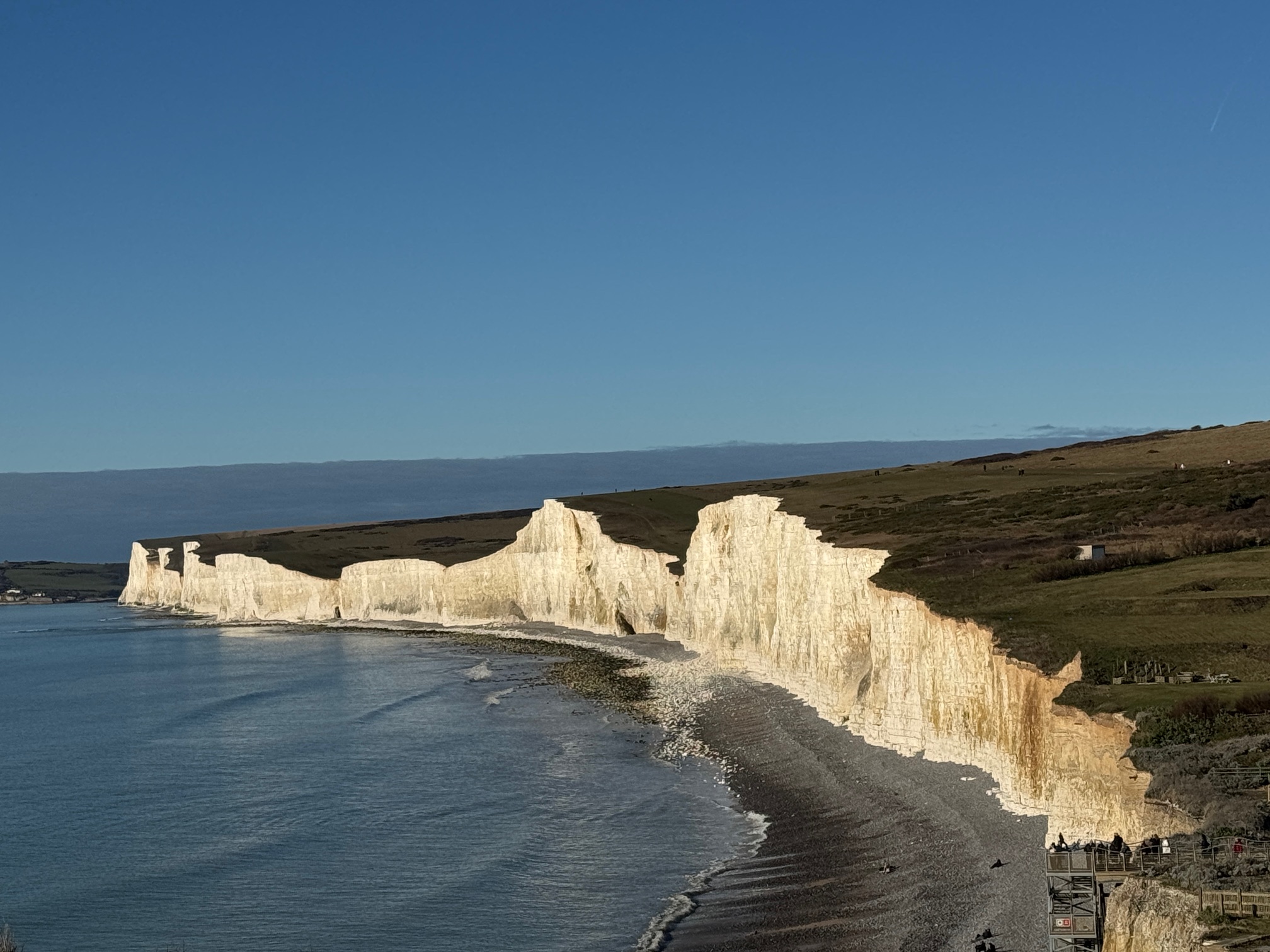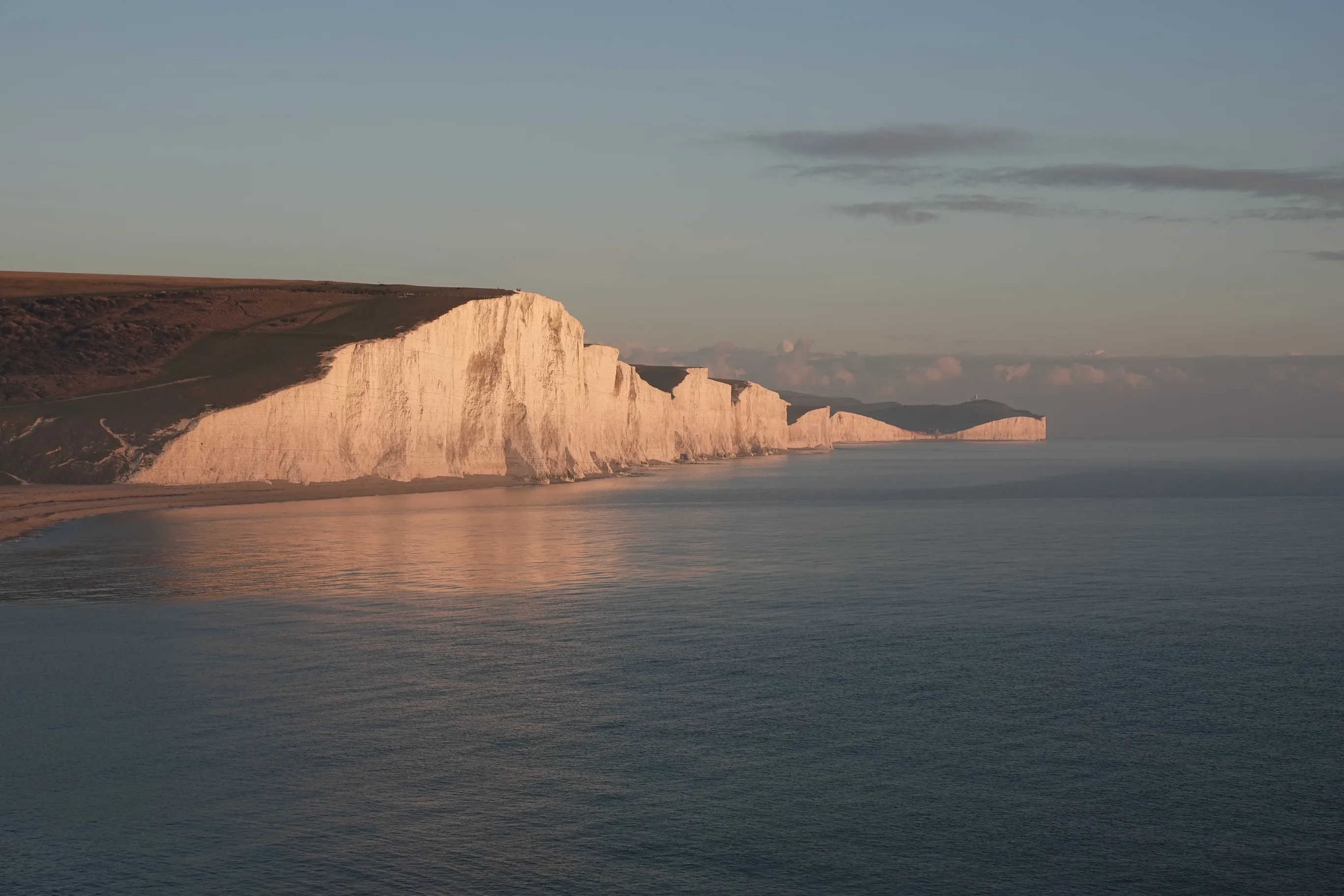
Plan Your Visit - Practical
Phone Signal on the Seven Sisters
Where reception drops, why it matters, and how to navigate and stay safe when your phone shows no bars.
Where reception drops, why it matters, and how to navigate and stay safe when your phone shows no bars.
Short answer: some, but not enough to rely on. Reception across the Seven Sisters is patchy - strong in the car parks, unreliable on the ridge, and gone completely in the valleys. Here is the honest map of where your phone works, why it matters more than most walkers realise, and exactly how to prepare so a dropped signal never becomes a problem.
Written from repeated walks between Seaford and Eastbourne, in clear weather and in fog.
The Honest Answer
People arrive expecting either full bars all the way or a total blackspot. The reality sits in between, and it is worth knowing the pattern before you set off. Coverage here is shaped by the terrain: the ground rises and falls between each of the seven cliffs, and every dip puts a wall of chalk between you and the nearest mast.
In practice, this is where signal tends to hold and where it fails:
EE and O2 tend to give the best coverage across the ridge; Vodafone and Three are more variable. If you are walking as a group on mixed networks, the phone with a bar or two will change depending on where you are standing - which is exactly the kind of thing worth knowing before you need it.
One thing that never fails: GPS is not mobile signal. Your phone locates itself from satellites, which work everywhere the sky is open - so your blue dot keeps moving on a downloaded map even when you have zero bars. That single fact is the key to the whole problem below.
None of this takes more than a few minutes at home on Wi-Fi, and it turns a no-signal walk from a worry into a non-issue.
The Seven Sisters Ultimate Guide includes a live offline trail map built for exactly this problem. Save it once on Wi-Fi and your blue GPS dot keeps moving along the cliffs with no signal at all - the full Seaford to Eastbourne route and the riverside alternative, with every cliff, cafe, toilet, car park, bus stop and safety point marked.
Partly, but not reliably. You will usually get signal in the Exceat and Birling Gap car parks and on the higher peaks on a clear day, but it drops out in the dips between the cliffs, in the Cuckmere valley, and below the cliff line. Do not plan on being able to call from any given point on the ridge.
EE and O2 tend to be strongest along this coast; Vodafone and Three are more variable. No network gives continuous coverage across the whole walk, so within a group the phone with signal will change as you move.
Yes, if you save the area over Wi-Fi first - your GPS then works with no signal because it does not need mobile data. But Google Maps offline is built for roads, not the cliff path, so it will place you roughly on the coast rather than on the trail. A dedicated offline trail map is far more useful on the ridge.
In clear weather the main path is hard to lose. The risks are the fork points - the Cuckmere valley return and the Exceat descents - and sudden sea fog, which can cut visibility to single figures in under two minutes. That is when an offline map with your live position matters most.
Move to the highest nearby point or toward a car park, then call 999 and ask for the Coastguard. If a voice call will not connect, a text may - but only if you registered your phone in advance by texting the word "register" to 999 before your walk. The what3words app works offline and pinpoints your location for rescuers. See the emergency guide for the full procedure.
One that shows the real cliff path - not just roads - and keeps your live GPS position visible with no signal. The Ultimate Guide's offline trail map is built for this exact route and marks every exit, cafe, toilet, car park and safety point. Whatever you use, download it over Wi-Fi and start with a full battery.
Pair this with the emergency guide (who to call, what to say), the fog safety guide, the walking routes, and getting there for buses and parking. For the full picture, see the complete guide.
More on planning your Seven Sisters walk.
 Where to stay
Cottages, inns and campsites within reach of the cliffs.
Explore
Walks
Where to stay
Cottages, inns and campsites within reach of the cliffs.
Explore
Walks
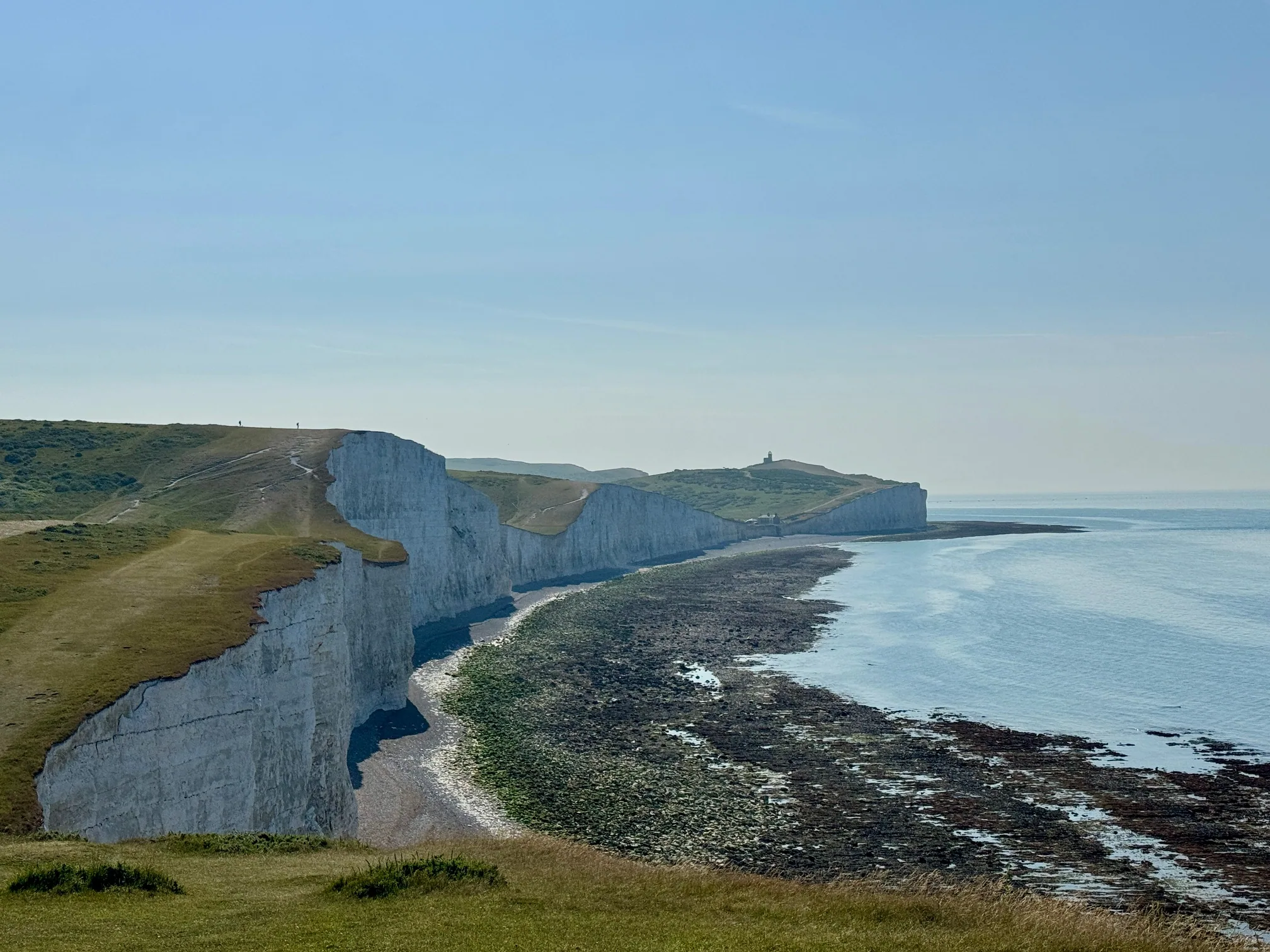 Walking routes
From the easy riverside stroll to the full clifftop traverse — pick your walk.
Explore
Places
Walking routes
From the easy riverside stroll to the full clifftop traverse — pick your walk.
Explore
Places
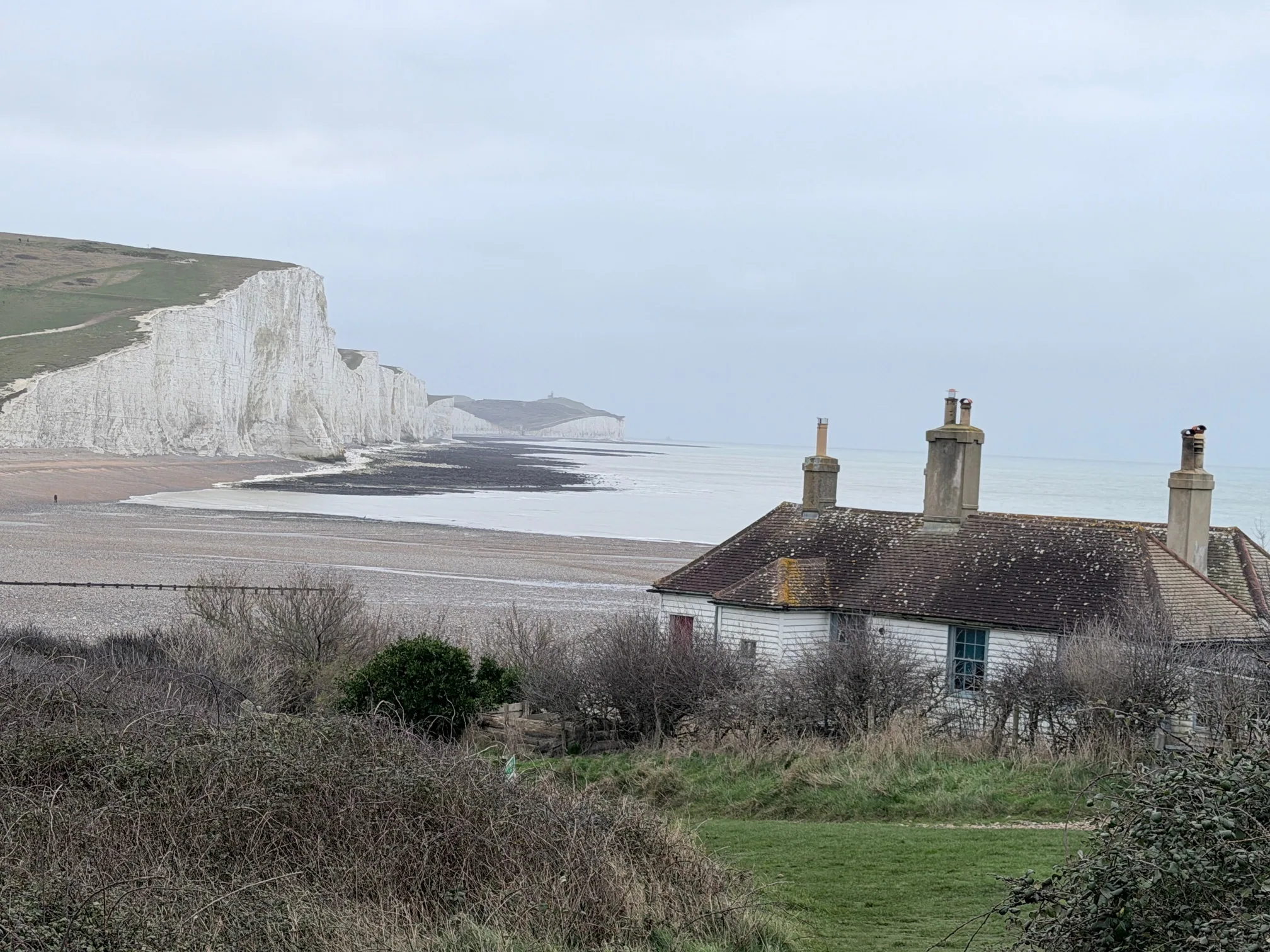 Eastbourne
The classic resort town at the eastern end of the coast path.
Explore
Plan
Eastbourne
The classic resort town at the eastern end of the coast path.
Explore
Plan
 When to visit
Light, crowds and weather through the seasons — when to time your trip.
Explore
Travel
When to visit
Light, crowds and weather through the seasons — when to time your trip.
Explore
Travel
 From London
A door-to-door day trip from the capital, by train or car.
Explore
Plan
From London
A door-to-door day trip from the capital, by train or car.
Explore
Plan
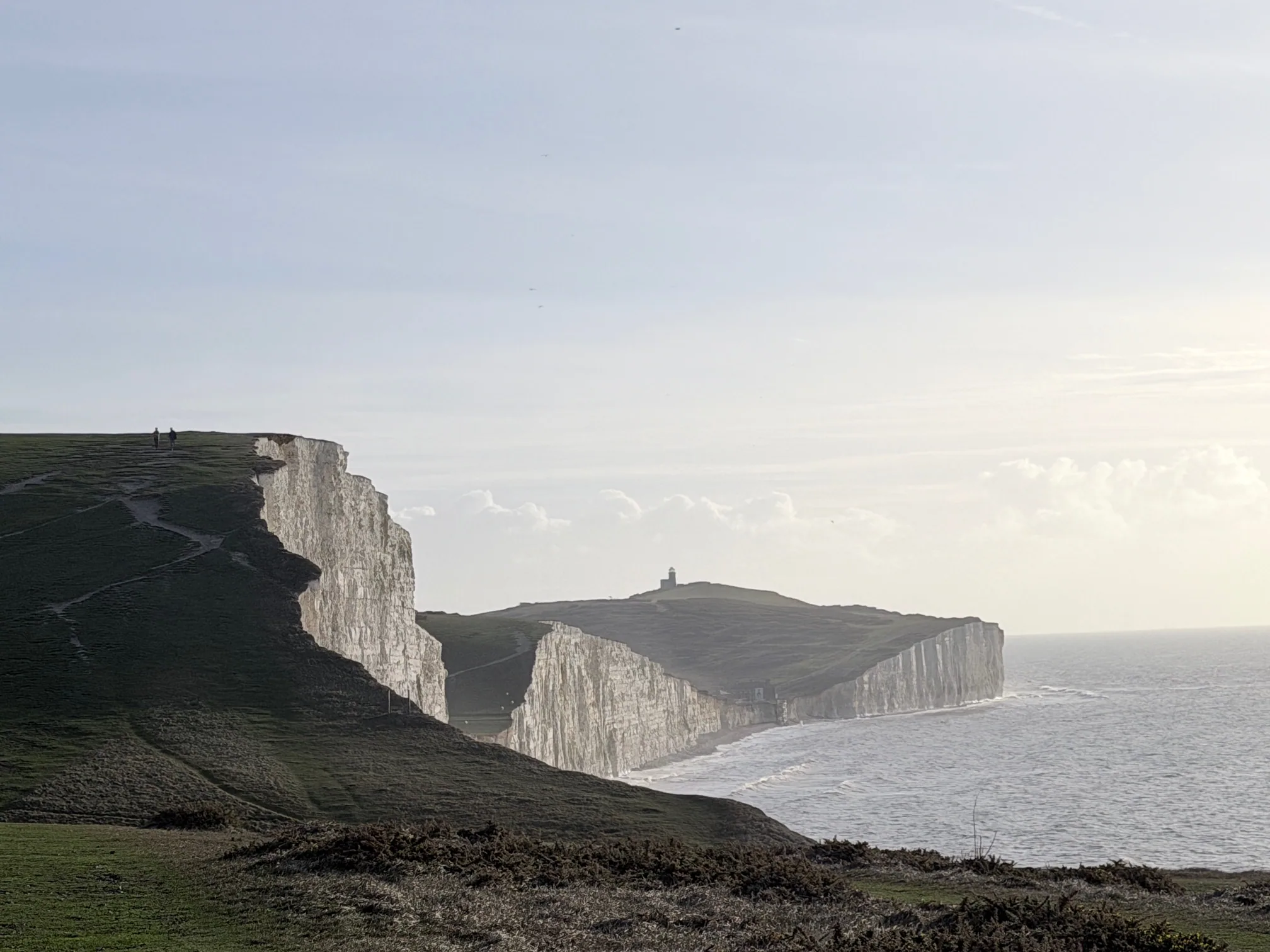 Plan your visit
Everything in one place — routes, parking, tides and the best times to come.
Explore
Plan your visit
Everything in one place — routes, parking, tides and the best times to come.
Explore
£4.99 · 24-page PDF · Instant download
The complete 24-page companion built from first-hand walks — every cliff, all four graded routes, tide windows and a parking strategy. Designed to work offline, right on the cliff top.
Just want the basics? Download the free 2-page walk guide
Stay up to date with seasonal guides, crowd forecasts, and local tips — direct to your inbox.
No spam. Only coastal inspiration and timing tips — unsubscribe any time.